Document Preparation & Export

From answer to a finished tax document, without leaving the chat.

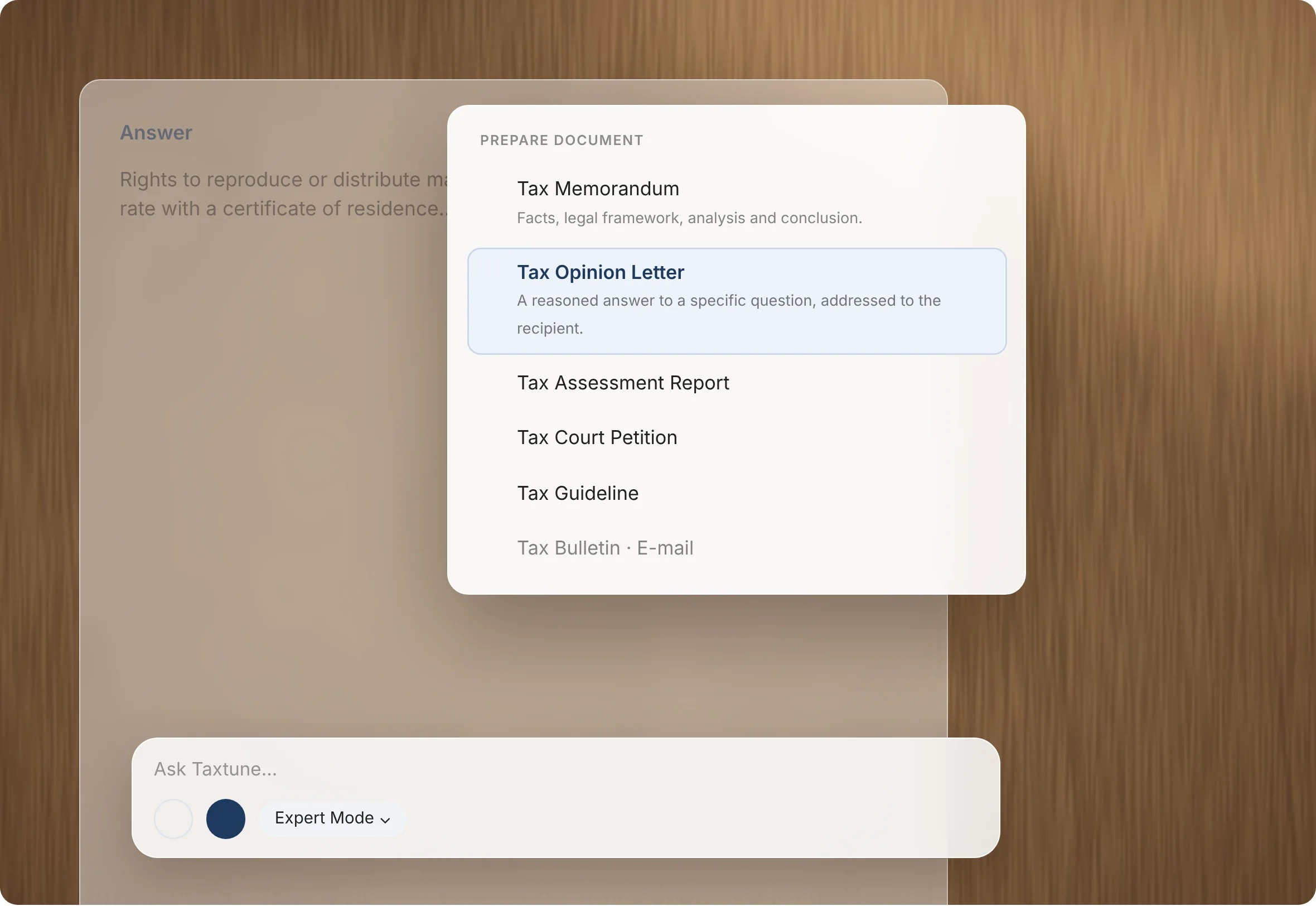
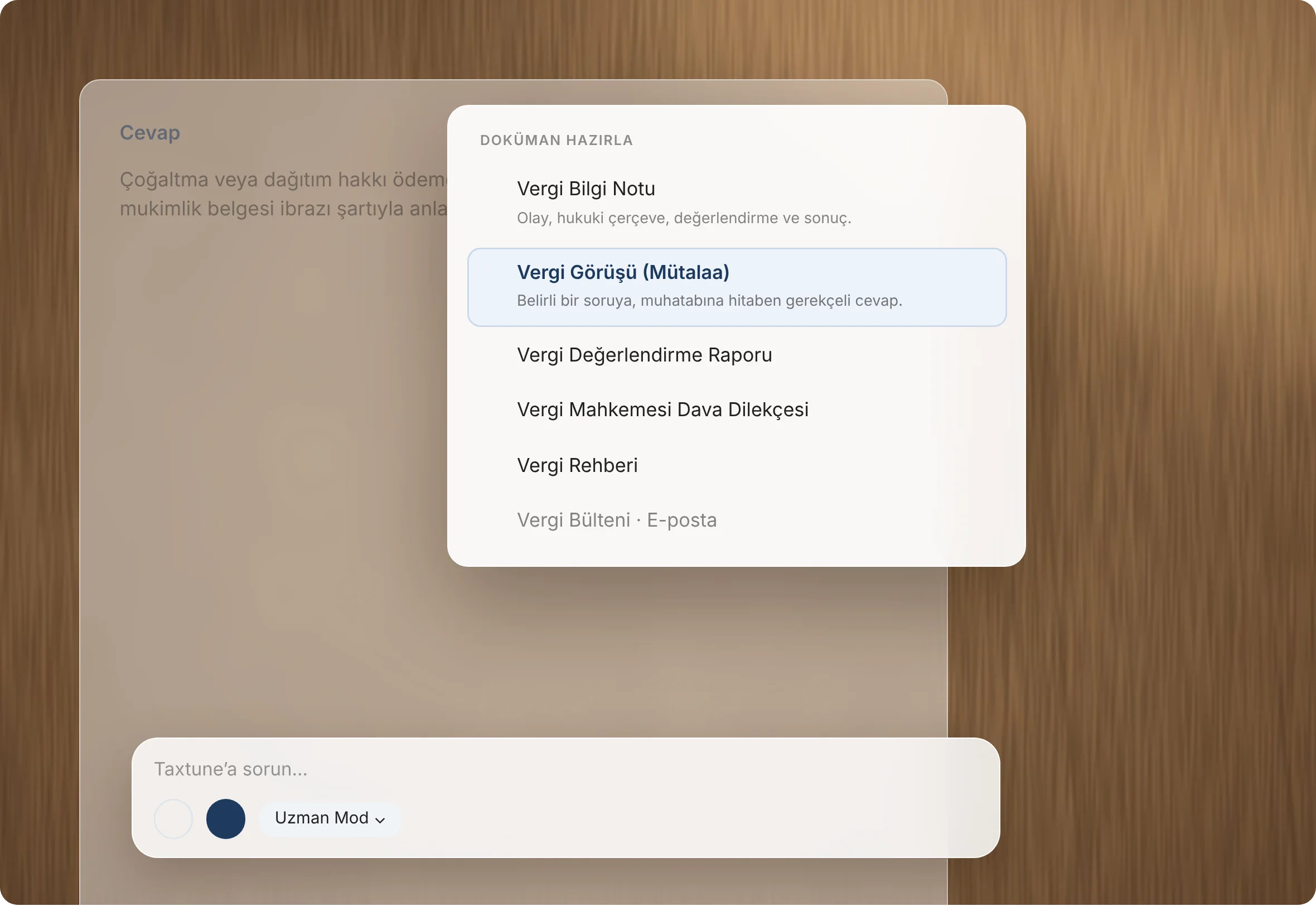
Choose Prepare Document, pick the document you need, and Taxtune drafts it from your conversation and its sources. The draft opens beside the chat with its own reference number.

Taxtune product viewTaxtune ürün görünümü

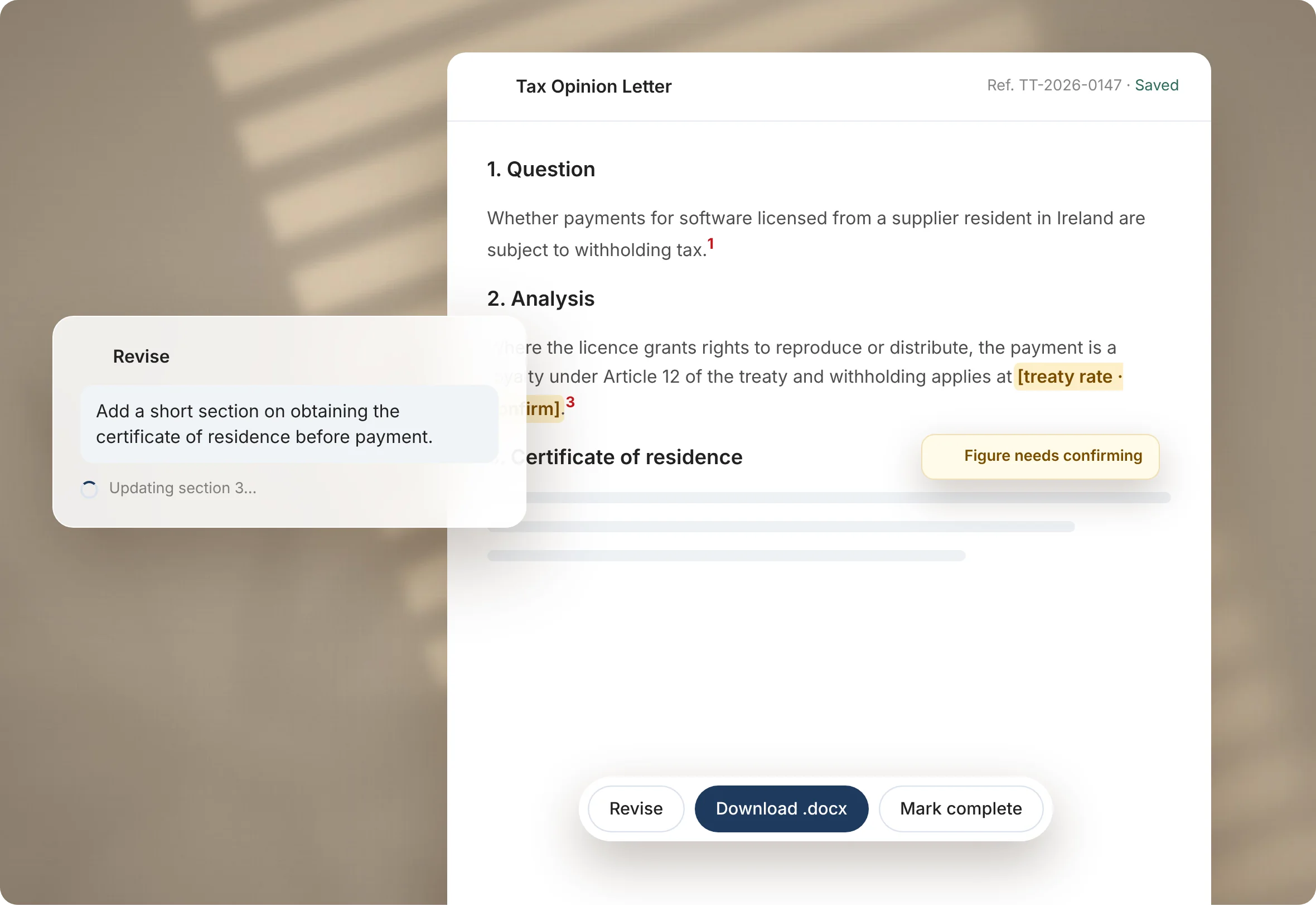
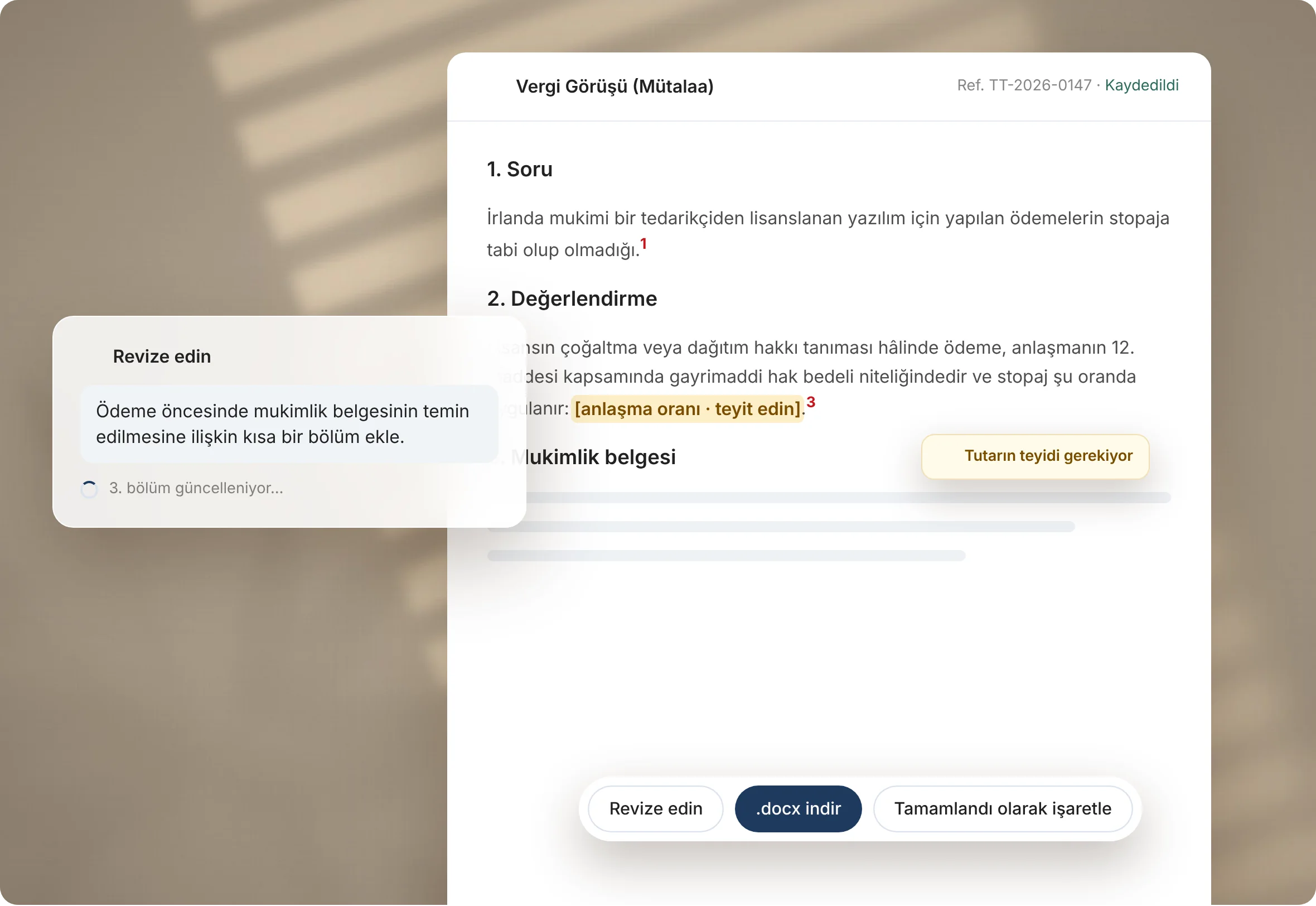
Review it, edit it in place, revise it in plain language.

  1. Step 1
    Prepare document
    Pick the document type. Taxtune drafts it from your chat and its cited sources.
  2. Step 2
    Edit in place
    Review the draft beside the chat. Changes save automatically.
  3. Step 3
    Revise
    To change direction, choose Revise and tell Taxtune what to change in plain language.
  4. Step 4
    Download or complete
    When it reads right, download it as a Word file or mark it complete.
Taxtune product viewTaxtune ürün görünümü

Document types

Seven document types, each with its own structure

Tax memorandum
Analyses a transaction in a fixed structure: facts, legal framework, analysis and conclusion.
Tax opinion letter
A reasoned, well-supported answer to a single question, addressed to the recipient.
Tax assessment report
A comprehensive review of a company’s or an individual’s tax position across several issues, with recommendations.
Tax litigation petition
Drafts of lawsuit, appeal, cassation and correction-complaint petitions.
Tax guidelines
Explains how a topic works in practice: scope, calculation, filing, documents and common mistakes.
Tax bulletin
Summarises recent changes in legislation, communiqués, rulings and court decisions, and explains what they mean in practice.
Email
Turns the answer into a short, clear email to a client or colleague that sums up the position and the next steps.
Features

  • Drafted from your chat and its cited sources
  • Edit in place, with automatic saving
  • Revise with a plain-language instruction
  • Download as Word (.docx), or mark complete
  • A unique reference number on every document
  • Figures that need confirming are flagged in the text